Global VIP Services · Passport & visa expediting · Los Angeles
A passport office where nobody types a shipping label anymore.
Global VIP Services has expedited passports and visas in Los Angeles since 2003. Every order used to pass through a person three times: to take the card, to type the FedEx label, and to handle the paperwork. I built the checkout that does all three.
- Client
- Global VIP Services and Premier Passports
- Sector
- Passport and visa expediting
- Built
- Website, payments, shipping labels, online applications
- Status
- Live on both brands
The problem
Every order ran through a person.
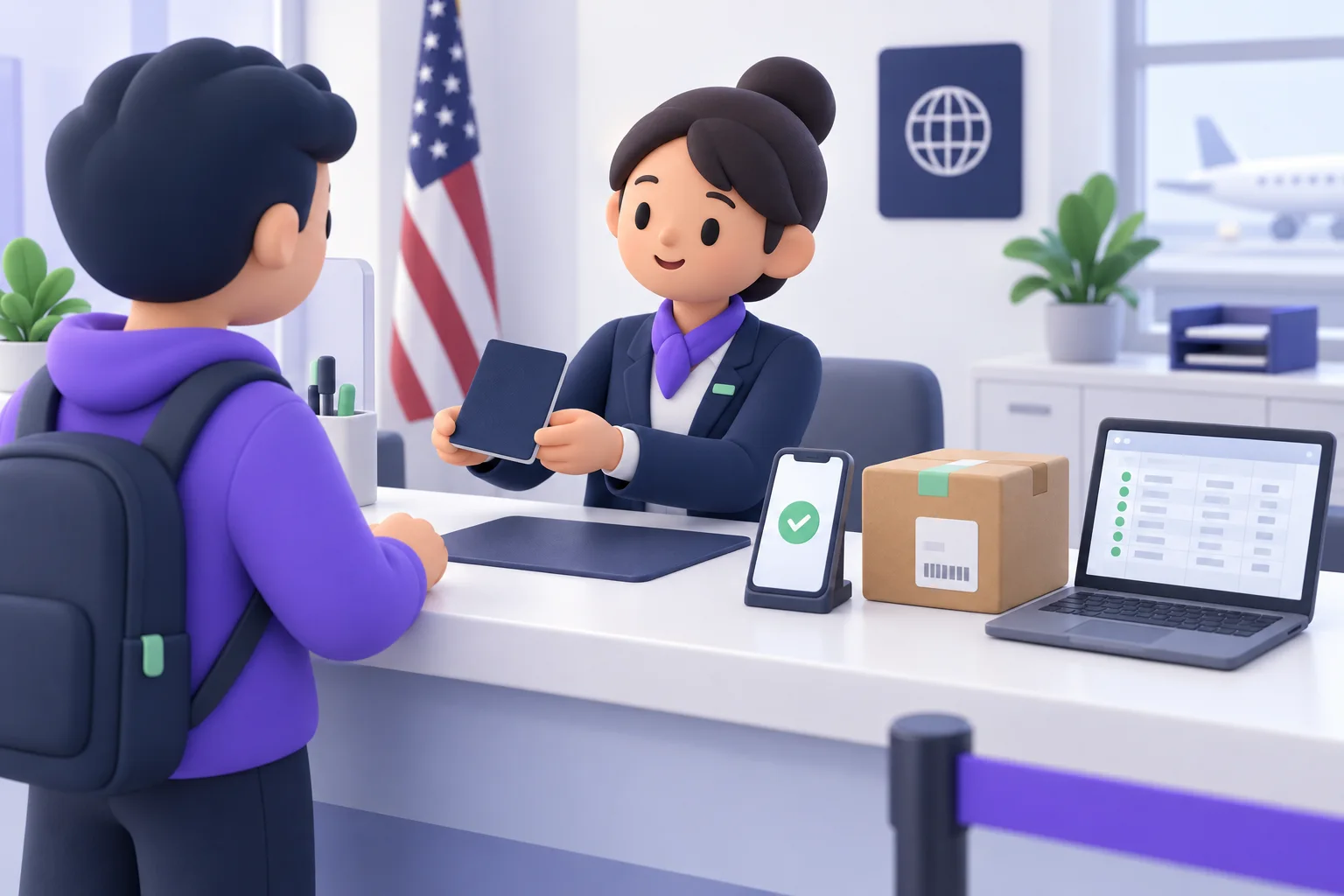
Customers read their card numbers out over the phone. Someone at the counter took them down, then created a prepaid FedEx label so the customer could send their documents in, copying every address by hand.
Visa applications were government PDFs, printed, filled in by hand and brought to the counter or mailed. With two brands and two offices, Los Angeles and Arlington, an application could also land in the wrong office's inbox.
None of it was hard. All of it was slow, and every step waited on someone being free to do it.
What I built
Pay once, and the label sends itself.
The owner's brief was one sentence: the customer generates nothing and the office reviews nothing. So the checkout does the office's part, in an order that protects both sides.
The customer applies online
China, Brazil, India and Nigeria visa applications are online forms on both sites. Each one carries the office it belongs to, so Los Angeles applications reach Los Angeles and Arlington's reach Arlington.
They pay on the site
The price is set on the server, never in the browser, so it cannot be edited. The card is charged before anything else happens.

The FedEx label is created
Only once the payment goes through. If FedEx fails for any reason, the charge is voided on the spot, so nobody pays for a label that does not exist.

The label reaches their inbox
The customer gets the prepaid label by email and can download it from the confirmation screen. The office gets a copy with the label attached and a link to the application.

The order is logged
A row lands in that brand's order sheet with the tracking number and the application link. No new system to learn, just the spreadsheet the office already reads.
What changed
The office stopped doing the typing.
Payments, labels and applications now move without a staff member in the loop. Before launch, both brands ran a real $1 order end to end, and both test labels were voided.
It started as a website. Payments came next, then the labels, then the forms. None of it was scoped on day one, which is how most of this work goes.
- Card processing on the site itself, in the brand's existing merchant account
- FedEx shipping API, prepaid inbound labels to the right office
- Order log in Google Sheets, one sheet per brand
- Emails to the customer and the office on every order
- Safety order: charge, then label, then log. A failed label voids the charge
- Two brands, two offices: Global VIP Services and Premier Passports
More case studies
 BLP Experiential StudioA measurement tool that proves what an activation earnedAfter every trade show the client asks what it did. The tool reads the public posts, checks every picture against the real booth, and only counts what it can tie to the event.Read the case study
  Diell's barbershopA barbershop phone that books the right barber by itselfA receptionist that answers every call and books the barber the customer asks for, plus texts that thank, ask for the review and bring regulars back on time.Read the case study