Polymaths · Podcast production · My own show
An hour-long episode, 76 graphics, none of them animated by hand.
Polymaths is the podcast I co-host. Its look calls for a name, a question, a number or a chapter card on screen every minute or so. Building those by hand costs an editor hours per episode, so I built the kit that renders them from a cue file and puts them on the timeline.
- Client
- Polymaths, the show I co-host
- Sector
- Podcast production
- Built
- Graphics engine, timelines and an editor handoff kit
- Status
- Used on episode one
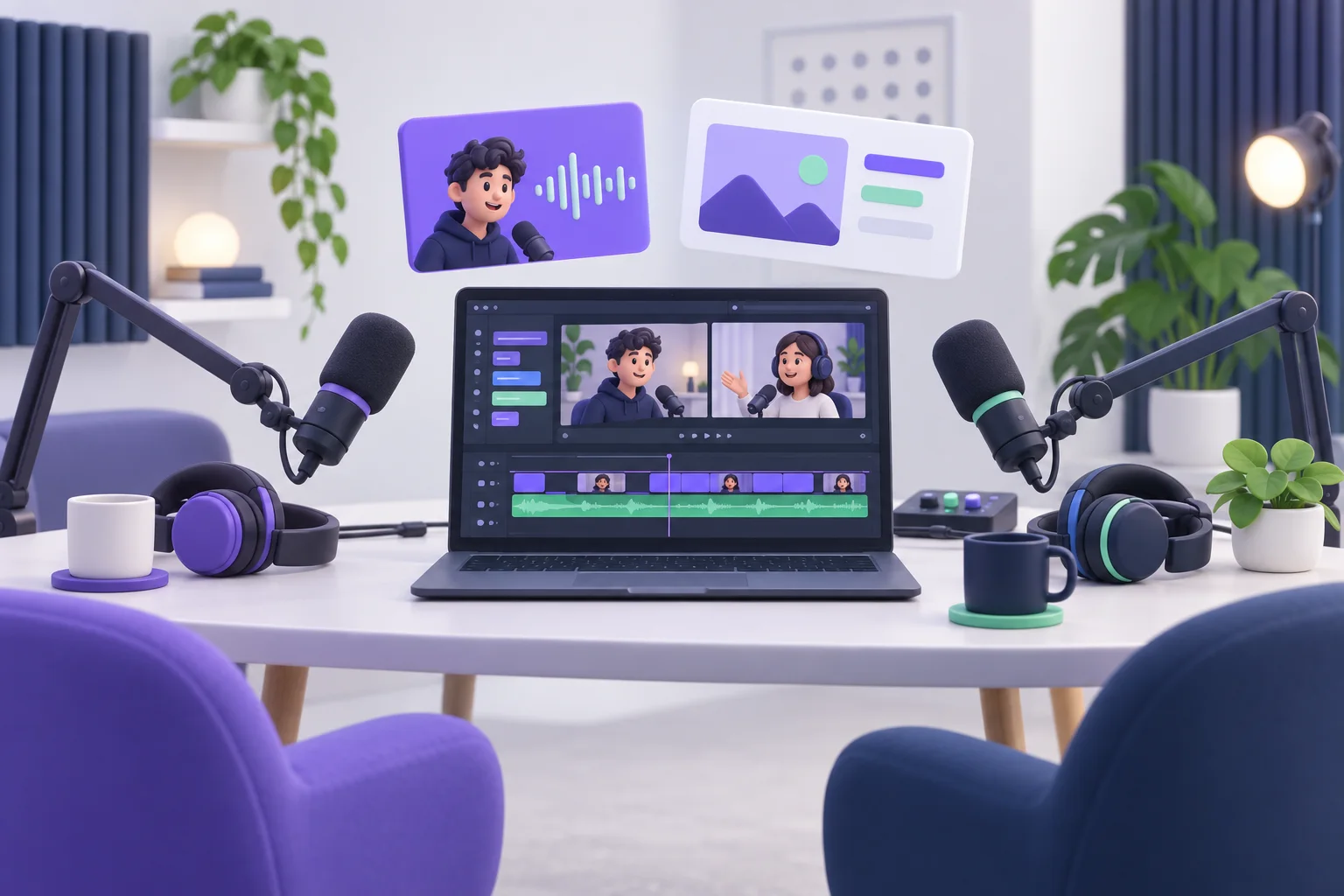
The problem
Good graphics were eating the edit.
The shows we look up to put something on screen every minute or so: who is talking, the question being answered, the number that carries the sentence. Most of them pay editors to build each one by hand, episode after episode.
Every graphic meant retyping text into a title, matching the fonts and colors, keyframing the same entrance again, and then doing it all over for the vertical clip. Hand that to a hired editor and the look drifts unless every detail is written down.
What I built
Write the cue once. The kit does the rest.
The kit lives in a folder any editor can open. It takes an episode and a list of cues and gives back the graphics and a timeline with every one of them already in place.
Transcribe the episode
Every word is transcribed and matched to the person who said it, using each speaker's own microphone track.
Plan the cues
A cue is a name, a question, a stat, a note, a list or a chapter, pinned to a phrase in the transcript rather than a timecode, so it survives a re-edit.
Render with real transparency
Seven graphic types in the show's own look render as ProRes 4444 files with an alpha channel, in 16:9 for the episode and 9:16 for clips. Text that does not fit is scaled down or stopped with a note saying what to shorten. Nothing is clipped silently.
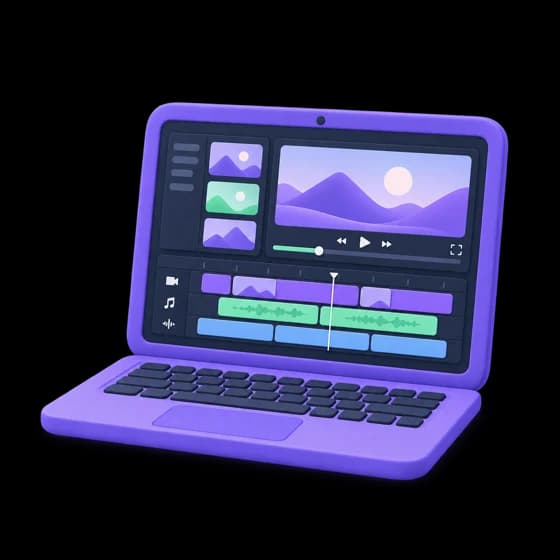
Build the timeline
The kit writes timeline files for Final Cut Pro, Premiere Pro and DaVinci Resolve with every graphic on its own track at the right frame.
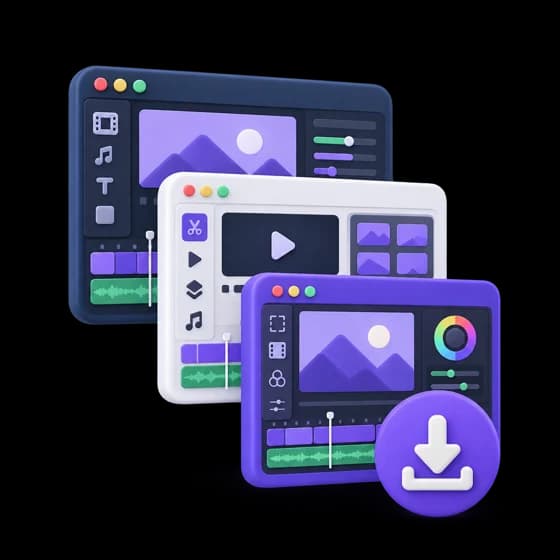
Hand it to any editor
Timelines, graphics, the brand fonts and a README in one folder, so an editor can pick it up cold.
What changed
Episode one: 76 graphics, placed and timed.
Nobody retyped a word in the editor, because every word on screen came from the cue file. The same kit renders the vertical versions for clips from the same cues.
The next episode starts from a transcript and a cue list instead of a blank timeline.
- graphics in episode one
- 76
- graphic types
- 7
- editing apps
- 3
- formats, 16:9 and 9:16
- 2
- Seven components: lower third, question, stat, note, kinetic phrase, list, chapter card
- Frames rendered in headless Chromium, encoded to ProRes 4444 with ffmpeg
- Timelines as FCPXML for Final Cut and FCP 7 XML for Premiere and Resolve
- Speaker-matched transcript from each person's own mic track
- Every render checked before it goes in the kit
More case studies
 Global VIP ServicesCheckout that takes the payment and sends the FedEx labelCard numbers over the phone and a hand-typed label for every order became one online checkout that charges, ships, emails and logs the order on its own.Read the case study
  BLP Experiential StudioA measurement tool that proves what an activation earnedAfter every trade show the client asks what it did. The tool reads the public posts, checks every picture against the real booth, and only counts what it can tie to the event.Read the case study